
I’m a massive fan of @Villa Market JP. They’re easily the best place in Bangkok for high-quality imports (and my specific breakfast obsession). But a recent late-night quest for cottage cheese turned into a masterclass in why "small" mobile UX flaws can cost a business serious money
I love cottage cheese. In fact I love cottage cheese so much I ate it for a couple of years straight for breakfast and I didn’t get bored with it. For some reason, though, cottage cheese (good one) is hard to come by in Bangkok. There are very few places that sell it here.
Yesterday evening, however, I was determined to get it and watch “The Man in The High Castle”. And there is one place that sells it - a supermarket chain called Villa Market.
So happily having strolled into one of Villa Markets I quickly approached the dairy aisle. To my horror - they were out of stock. My mind started racing as I was thinking where else can I get it right now. I immediately checked Grab to see if any other place might be selling it. Nothing… I noticed however, that Grab wasn’t searching through Villa Markets in the area. Bingo! I just needed to download the Villa Market app, and order it from another store - surely they have it there!
The clock was ticking though - it was around 9:30 pm and Villa closes at 10, so I needed act fast.
I downloaded the app, registered, received the OTP… I could feel I was getting close to my beloved cottage cheese with every step.
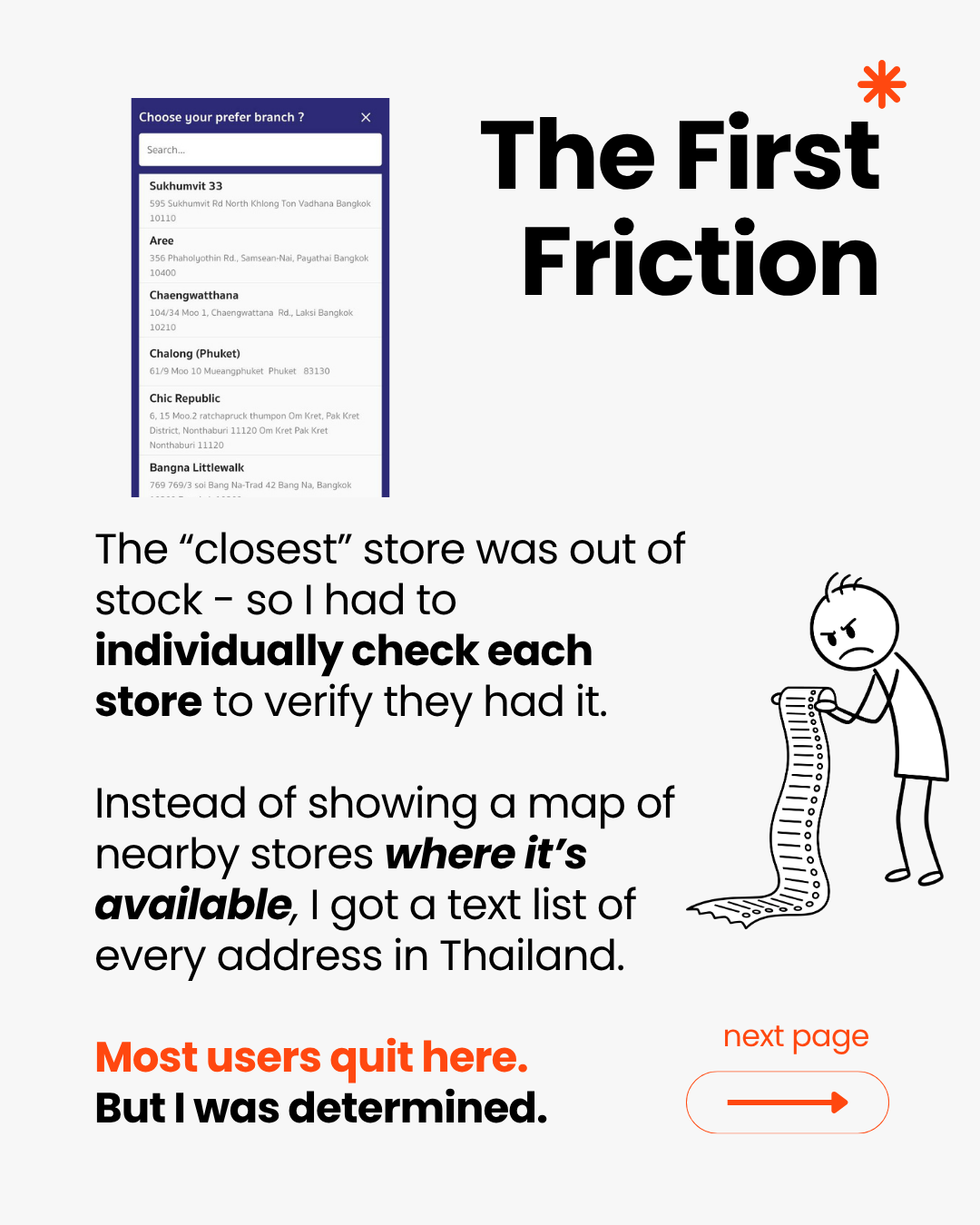
Now I needed to find it. This is where I encountered the first weird design decision. You had to check each store individually for the item you’re looking for. Whatever, ok, this wasn’t going to stop me.
But no so fast said the app...
The First Friction
Instead of showing me a map - I was presented with a list of addresses of stores - including those in other cities. Huh, ok, you’re not going to stop me this easily. I found a store with a street name that sounded familiar - so I knew it was somewhere close
Praise be! My cottage cheese was found! There it was, in its full glory, looking at me from Villa Market Gaysorn. Overjoyed, I swiftly added it to my cart, and was dashing towards check out.
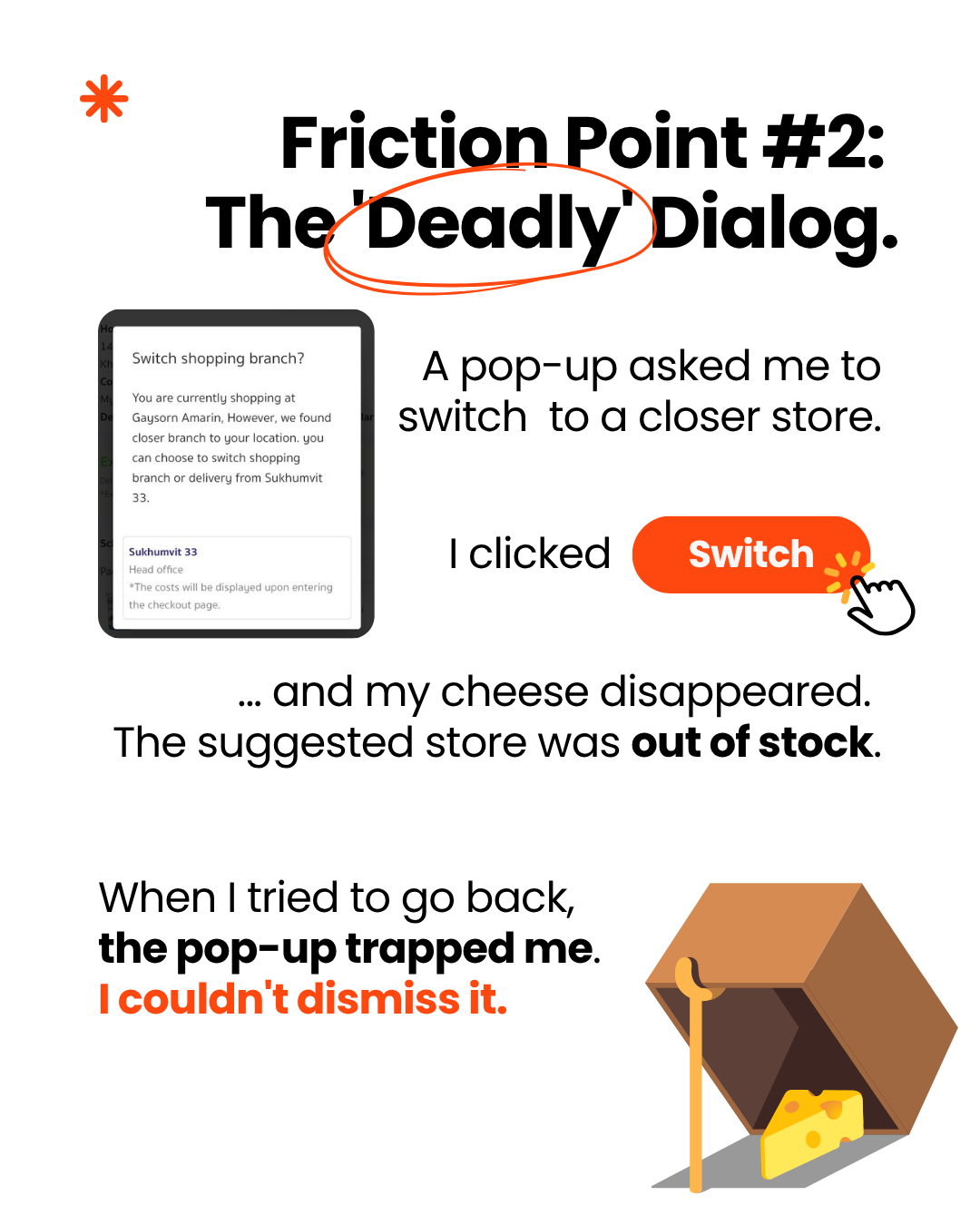
I was at the finish line. The credit card was out. This is the moment every business dreams of—and the moment their app decided to kick me out of the store. And just as I was about to press “Pay” - a window (dialog in mobile terminology) pops-up asking me if I want to switch to store that is closer to me. Ooooh, a nice little optimization I thought. Don’t mind if I do. I press “Switch” - and my cottage cheese dissapears….. Ehhhh what?
Apparently, this “closer” store is also out of stock. What? Why would you recommend me a “closer” store - if it doesn’t have what I need? Confused, but not demoralized, I went to the home page, switched back to the store that had it in stock, found my cheese again, went to check out and BAM! That window again. But, you won’t get me this time you trickster of application!
Broken Logic = Abandoned Cart
I tap outside of the window dialog expecting the window to go away (as it should), but it doesn’t. After a dozen or so taps I understood that this app has a deadly flaw in the world of mobile development. It has the dreaded undismissable dialog. Something that you should never have in your app. Now I was getting desperate. My belief in me getting the cottage cheese started to get shaky.
Ok, there’s still one thing I can do. Let’s revoke the location permission. The app won’t know my location now, so they shouldn’t show me this dialog altogether. I run through the same flow - and you know what I see? That darned dialog window again. Whyyyy? Have they cached my location and now there’s no way to get rid of it?
At this point, I ran out of ideas. My plan of eating some cottage cheese while watching “The Man in The High Castle” that evening has been crushed. I was defeated. I had to admit that this app bested me.
There was, however, a solution that I discovered later. Deleting the app, installing it, and denying a permission from the start allows you to bypass this dialog.
What is this all about?
I wanted to spend money. The app wouldn't let me. As a developer, I see this every day: businesses spending thousands on user acquisition, only to lose them due to preventable UX friction.
It’s not just one tub of cottage cheese. It’s the LTV (Lifetime Value) of a customer. Because of this friction, I sought an alternative. In a competitive market, friction is a gift to your competitors.
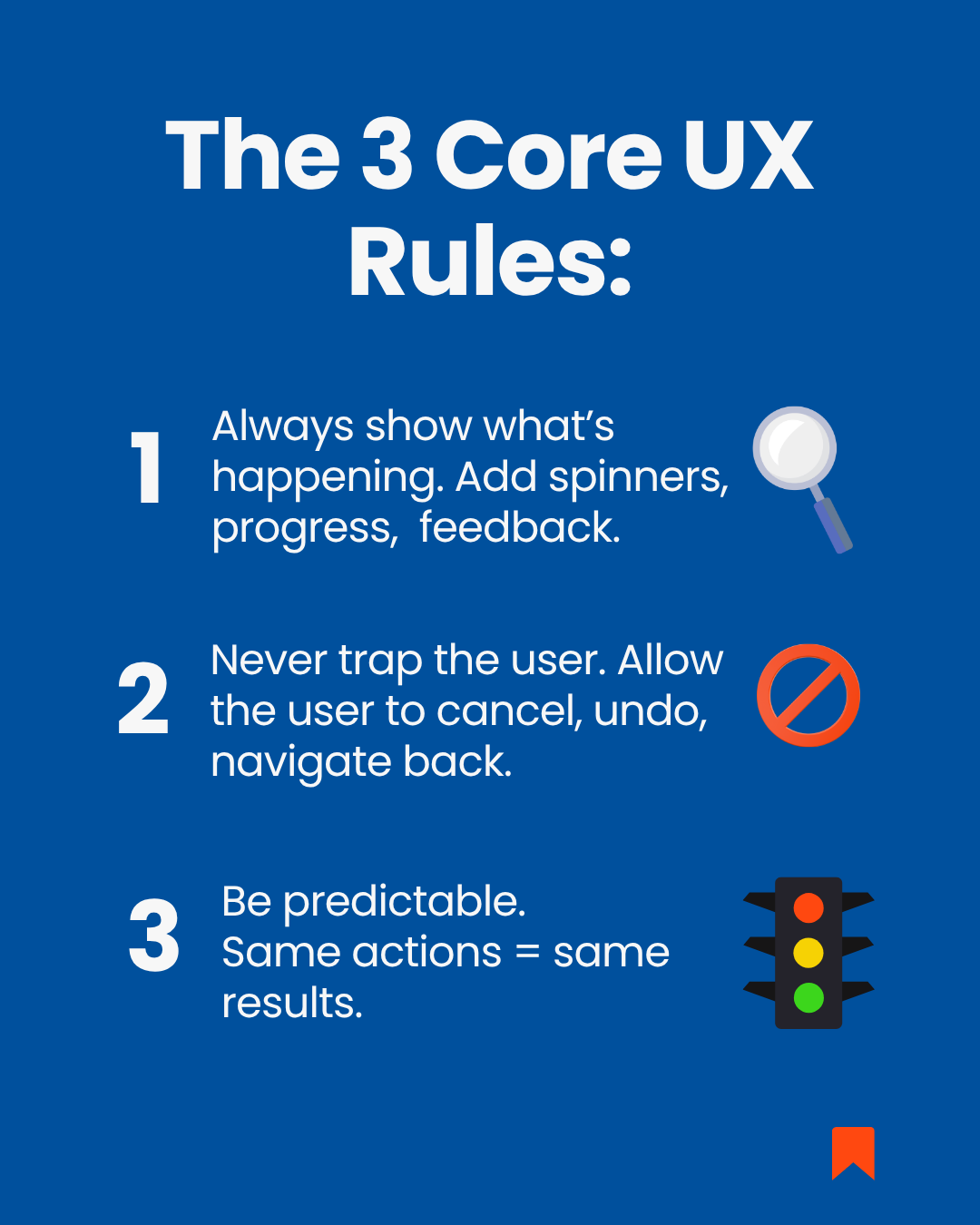
3 Core UX Rules
All of these problems come down to 3 core UX rules:
1. Always show what’s happening - spinners, progress, feedback
2. Never trap the user - cancel, undo, back navigation
3. The app should be predictable - same actions → same results
How would I fix this app?
Your goal as a business is to guide your customer to check out as effortlessly as possible.
Long list of unknown addresses? A lot of people would give up at this point. Better to quickly show a map with nearby locations.
You want to offer a closer location to your customer? By all means do it - but respect their decision of declining your “offer” by allowing them to dismiss the dialog.
Your user revokes a certain permission? Track that and delete the associated data. Even if you think that keeping that data might turn out useful later - that data might be stale - exactly as this story points out.
Offer the customer to switch to a different store at checkout? Sure, but make sure that that store HAS the products that your customer has in their basket.
To be clear: I’m not bashing the @Villa Market JP dev team. They’ve built a solid service that I use regularly. My goal is simply to highlight how "corner cases" like this can derail an otherwise great customer journey.
Is your app’s checkout as smooth as it could be? Let’s find out.

Member discussion: